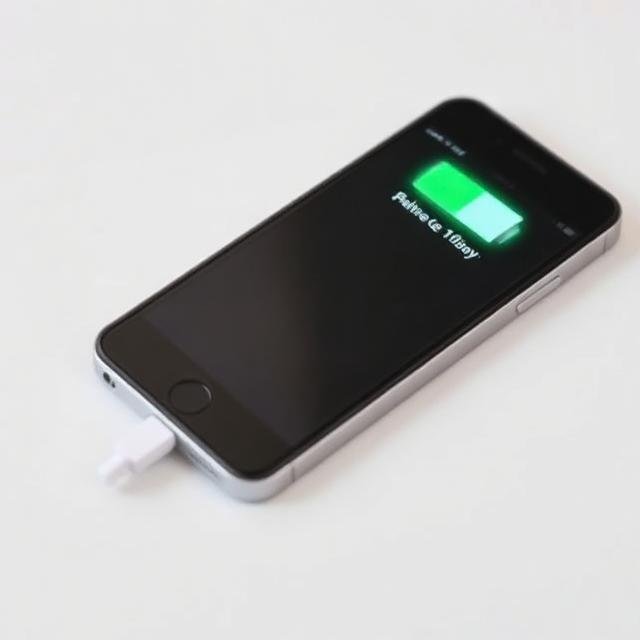
Battery life is one of the biggest concerns for smartphone users today. Even with advanced batteries and fast charging technology, many people still struggle to make their phone last through the day. The good news is that with the right habits and settings, you can significantly improve your smartphone’s battery performance—sometimes instantly.
In this detailed guide, we’ll explain practical, proven, and easy-to-follow tips to improve smartphone battery life faster, along with answers to important questions like:
- How to improve smartphone battery life?
- *What is the #9900 code for battery?
- How to make 20% battery last 2 hours?
- What is the 30 90 rule for battery?
1. How to Improve Smartphone Battery Life?
If you want a direct answer to “How to improve smartphone battery life?”, the solution lies in controlling how your phone consumes power.
✔ Key methods:
- Reduce screen brightness
- Turn off unnecessary background apps
- Disable location services when not needed
- Use battery saver mode
- Avoid live wallpapers and heavy widgets
These simple changes can immediately extend battery life by 20–40%.
2. Reduce Screen Brightness and Refresh Rate
The display is the biggest battery drain on any smartphone.
What to do:
- Lower brightness manually or enable auto-brightness
- Use dark mode (especially on AMOLED screens)
- Reduce refresh rate from 120Hz to 60Hz when not needed
Why it helps:
- The screen consumes more power than apps or background processes
- Higher refresh rates drain battery faster
This is one of the fastest ways to improve battery life instantly.
3. Turn Off Background Apps
Many apps continue running even when you are not using them.
Fix:
- Close unused apps from recent apps menu
- Restrict background activity in settings
- Disable auto-sync for unnecessary apps
Benefits:
- Less CPU usage
- Reduced battery drain
- Improved phone performance
4. Manage Connectivity Settings
Your phone constantly searches for signals, which drains battery.
What to disable when not needed:
- Bluetooth
- GPS / Location
- Mobile hotspot
- NFC
Also:
- Use Wi-Fi instead of mobile data when possible
- Turn on Airplane mode in low-signal areas
5. What is the *#9900 Code for Battery?
Many users search for *“What is the #9900 code for battery?”
Explanation:
- The code
*#9900#is a Samsung diagnostic menu code - It is not a universal battery booster or charger code
- It allows access to system logs and debugging options
Important facts:
- It does NOT directly improve battery life
- Misuse can affect system logs or performance
- It is mainly for advanced troubleshooting
In simple terms:
It is a diagnostic tool, not a battery-saving feature.
6. How to Make 20% Battery Last 2 Hours?
If your phone is low on battery, you can still stretch usage significantly.
✔ Emergency battery-saving tips:
1. Enable Ultra Battery Saver Mode
- Limits apps and background processes
- Extends usage time significantly
2. Reduce screen brightness to minimum
- Even a small brightness change saves power
3. Turn off mobile data and switch to airplane mode
- Only enable Wi-Fi if necessary
4. Avoid heavy apps
- No gaming
- No video streaming
- Avoid camera usage
5. Close all background apps
With these steps, 20% battery can easily last 1.5–2 hours depending on usage.
7. What is the 30 90 Rule for Battery?
The 30–90 rule is a smart charging habit designed to extend battery health.
✔ Meaning:
- Keep your battery between 30% and 90%
- Avoid letting it drop to 0%
- Avoid charging to 100% frequently
Why it works:
- Lithium-ion batteries degrade faster at extreme levels
- Staying in mid-range reduces stress on the battery
Benefits:
- Longer battery lifespan
- Better long-term performance
- Reduced battery degradation
8. Use Battery Saver Modes Wisely
Almost every smartphone has a built-in battery saver mode.
What it does:
- Reduces background activity
- Lowers performance slightly
- Limits visual effects
When to use it:
- Below 30% battery
- During travel
- When charging is not available
This is one of the most effective tools for extending battery life.
9. Avoid Heat (Very Important)
Heat is one of the biggest enemies of smartphone batteries.
Avoid:
- Playing heavy games while charging
- Leaving phone in sunlight
- Using thick covers during charging
Why:
- Heat speeds up battery degradation
- Reduces long-term battery capacity
10. Update Your Software Regularly
Software updates often include:
- Battery optimization improvements
- Bug fixes
- Performance enhancements
Keeping your phone updated ensures better power efficiency.
11. Limit Notifications and Syncing
Too many notifications drain battery due to background activity.
What to do:
- Disable unnecessary app notifications
- Reduce email sync frequency
- Turn off auto-updates for apps
12. Smart Charging Habits
Good charging habits can significantly improve battery lifespan.
Best practices:
- Avoid overnight charging regularly
- Use original chargers
- Avoid frequent fast charging when not needed
13. Use Dark Mode (If Available)
Dark mode is especially effective on OLED and AMOLED screens.
Benefits:
- Saves power on dark pixels
- Reduces eye strain
- Improves battery efficiency
14. Disable Always-On Display
Always-on display features may look stylish, but they consume power continuously.
Turn off if:
- You need maximum battery life
- You are traveling or outdoors for long hours
Final Thoughts
Improving smartphone battery life is not about one trick—it’s about combining smart habits and proper settings.
Quick summary:
- How to improve smartphone battery life?
Reduce brightness, manage apps, and optimize settings - *What is the #9900 code for battery?
A Samsung diagnostic tool, not a battery booster - How to make 20% battery last 2 hours?
Use battery saver, reduce brightness, and limit usage - What is the 30 90 rule for battery?
Keep battery between 30% and 90% for long life
Your smartphone battery can last significantly longer with the right habits. Instead of relying only on fast charging or power banks, learning how to manage your device efficiently will give you better performance every day.